No one will argue with the fact that it’s incredibly convenient when food arrives right at your door without you needing to go anywhere, wait in line, or spend time cooking. Delivery apps keep appearing and updating so fast that from time to time we all have to clean up our phones and accounts. And yes—sometimes this includes Deliveroo.
If you’ve decided it’s time to remove your Deliveroo account, this updated guide will walk you through the process step-by-step. The instructions are simple and clear, so you’ll be able to delete your account in just a couple of minutes.
What Is Deliveroo Today?
Deliveroo was founded back in 2013. It is a British online food-delivery company that has grown a lot since then. As of today, the service operates in more than 200 cities worldwide, including France, Hong Kong, Belgium, Ireland, the UK, Australia, the Netherlands, Italy, Kuwait, and the UAE.
Even though Deliveroo remains a user-friendly and popular app, many users still look for a way to deactivate their accounts—whether for privacy reasons, reducing digital clutter, or simply switching to another service. Below you’ll find updated and clear instructions on how to delete your Deliveroo account permanently.
How Do I Delete My Deliveroo Account?
Before you start, make sure your Deliveroo Plus subscription is canceled or has already expired. If it’s still active, deleting your account immediately may cause you to lose the remaining paid period. The choice is yours, but it’s something to keep in mind.
To delete your Deliveroo account through the website, follow these steps:
1. Open your browser and log in to your Deliveroo account
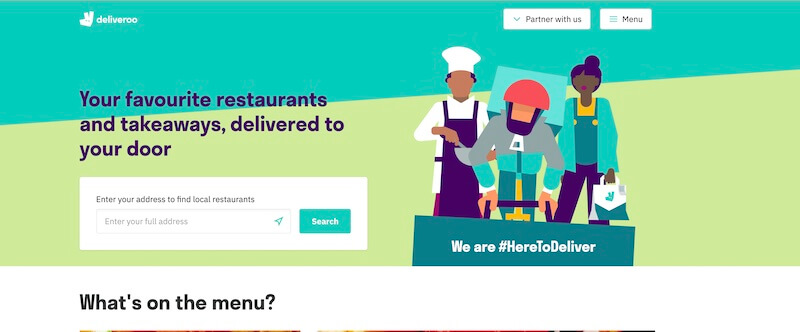
2. Click the Menu icon in the top-right corner, and select your profile.
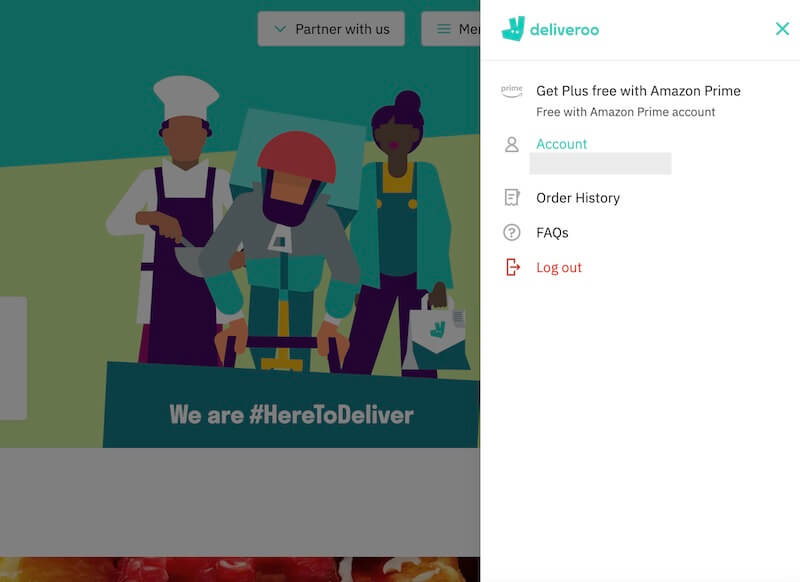
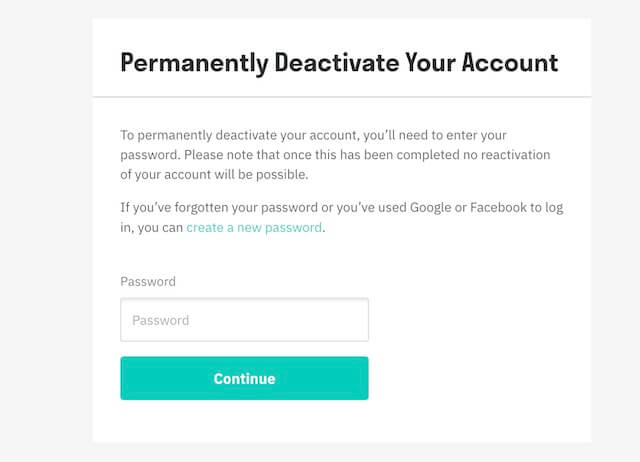
3. Scroll down to the “Deactivate your account permanently” section. Then, enter your password and press Continue.
4. A confirmation pop-up will appear. Read it carefully and click Deactivate.
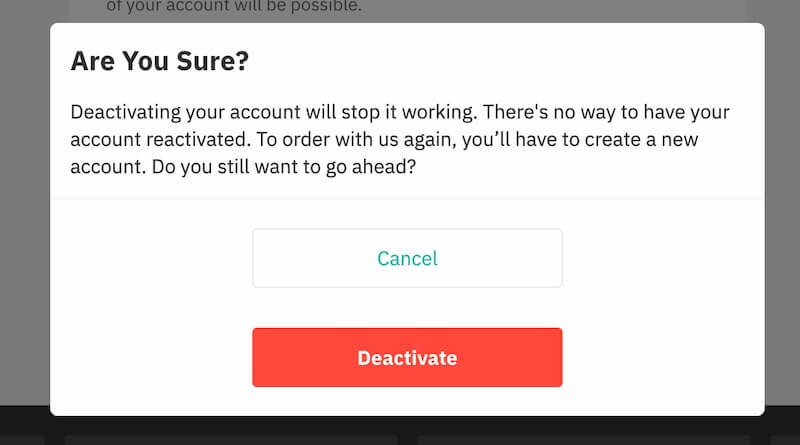
Your account will be deactivated immediately. This method is much faster than contacting support or sending email requests.
How to Create a New Deliveroo Account Using a Virtual Number
If you want to register again but prefer using a virtual phone number for privacy or convenience, here is the updated process:
- Go to SMStoProxy.com and create an account.
- Refill your balance using any convenient method: Alipay, Qiwi, Tether, Coinbase, etc.
- Choose the country from which you want a virtual number.
- On the same page, select Deliveroo from the list of services (you can use the search bar to make it quicker).
- Click BUY to receive a virtual number.
The purchased number will appear in your SMStoProxy personal profile as well as on the main page. Enter this number during Deliveroo registration in the app. After Deliveroo sends the verification code, return to SMStoProxy and press Get SMS. The code will show up beneath your virtual number—use it to finish creating your new Deliveroo account.