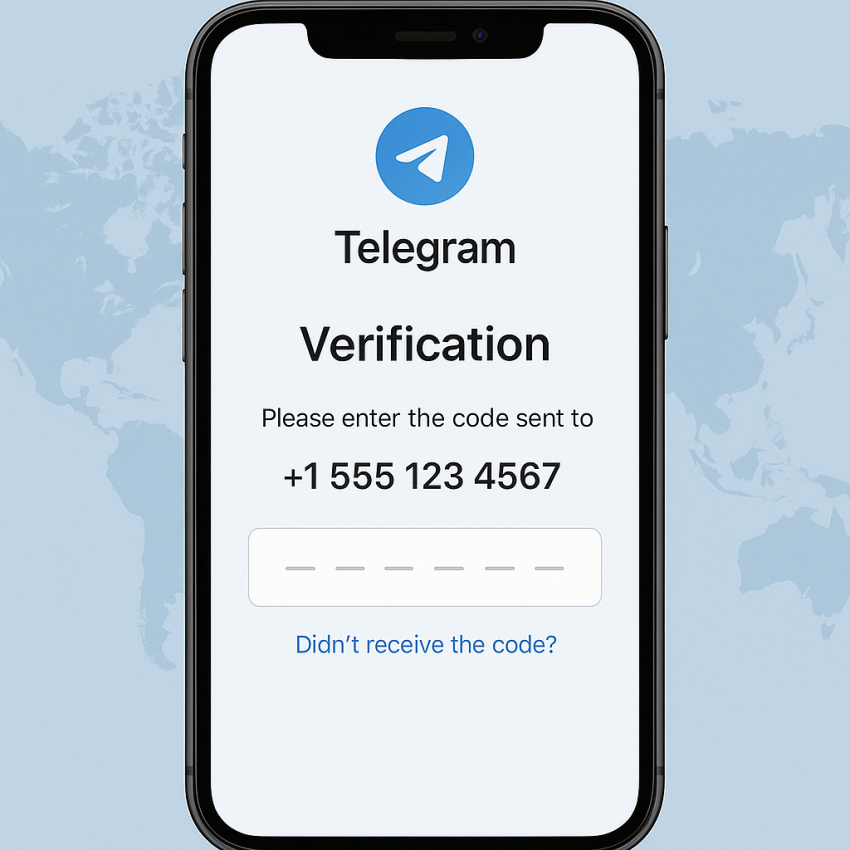
- Use a trusted virtual number to receive the Telegram verification code.
- Follow safety and privacy best practices; avoid sharing sensitive data.
- SMStoProxy provides dedicated numbers for Telegram verification.
Why use virtual numbers for Telegram verification
How to verify Telegram without your real phone number is a common concern for privacy-minded users. Virtual numbers offer a practical way to receive the Telegram OTP without exposing your personal line. When you choose a provider, prioritize reliability, clear terms, and transparent privacy policies.
For a dedicated Telegram option, explore the Telegram service on SMStoProxy: Telegram service on SMStoProxy.
How to verify Telegram without your real phone number
- Open Telegram and begin the sign-up or verification flow as usual.
- Choose a trusted virtual number from a provider such as the SMStoProxy Telegram service to receive the code.
- Enter the virtual number in Telegram’s verification field. Telegram will send a 6-digit OTP to that number.
- Check your provider’s dashboard or SMS inbox for the code and enter it back in Telegram. If you don’t receive the code, use the retry option or try another number.
- Complete the setup and review privacy settings. Ensure you stay compliant with local laws and Telegram’s terms of service.
For additional safety, you can verify security practices with external resources such as WhatsApp, Google Security, and information on Telegram at Wikipedia.
Quick comparison: methods to verify Telegram
| Method | Privacy | Reliability | Notes |
|---|---|---|---|
| Real phone number | Low | High | Simple but exposes personal data |
| Temporary/virtual number | Higher privacy | Good, service-dependent | Use trusted providers; e.g., SMStoProxy |
| VoIP numbers | Variable | Medium | Telegram may block some VoIP options |
Safe and legal use
Always comply with Telegram’s terms of service and local laws. Use virtual numbers for legitimate purposes such as privacy or testing, and never for fraud. Keep your accounts secure by enabling two-factor authentication where available.